ProductsHow It WorksThe StudioThe Orchestrator
EnterpriseOverviewIntelligenceWho It's ForSecurityIT Governance
Pricing
ResourcesNewsAboutFAQ
Get in touch
Goose
Local AI agent — Ollama, multi-provider, full-auto mode
Run a full AI agent on local hardware. Goose connects to Ollama for local inference. No API keys, no cloud dependency, no data leaving the machine. When cloud power is needed, switch to Anthropic, OpenAI, or Google with one setting change.
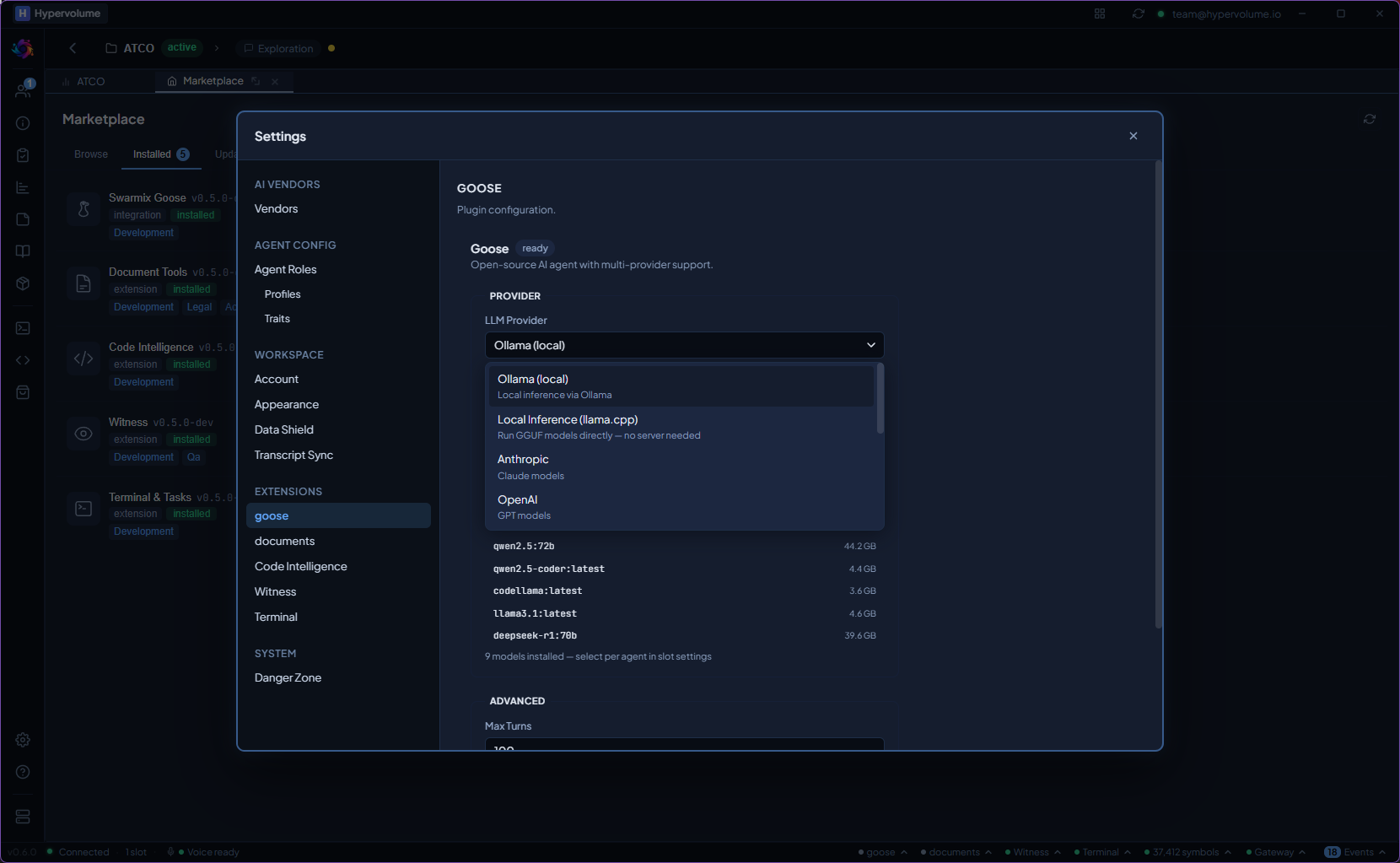
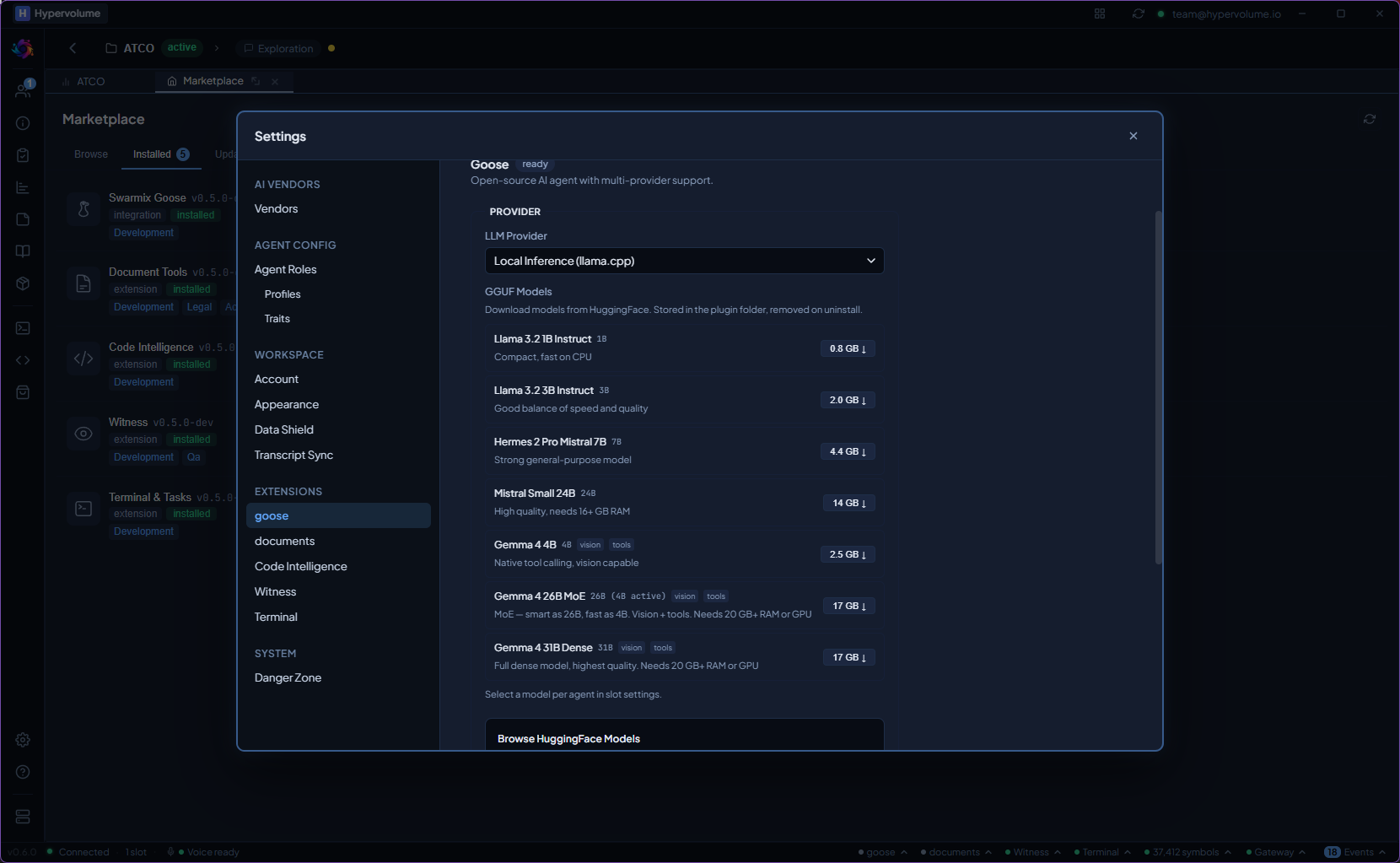
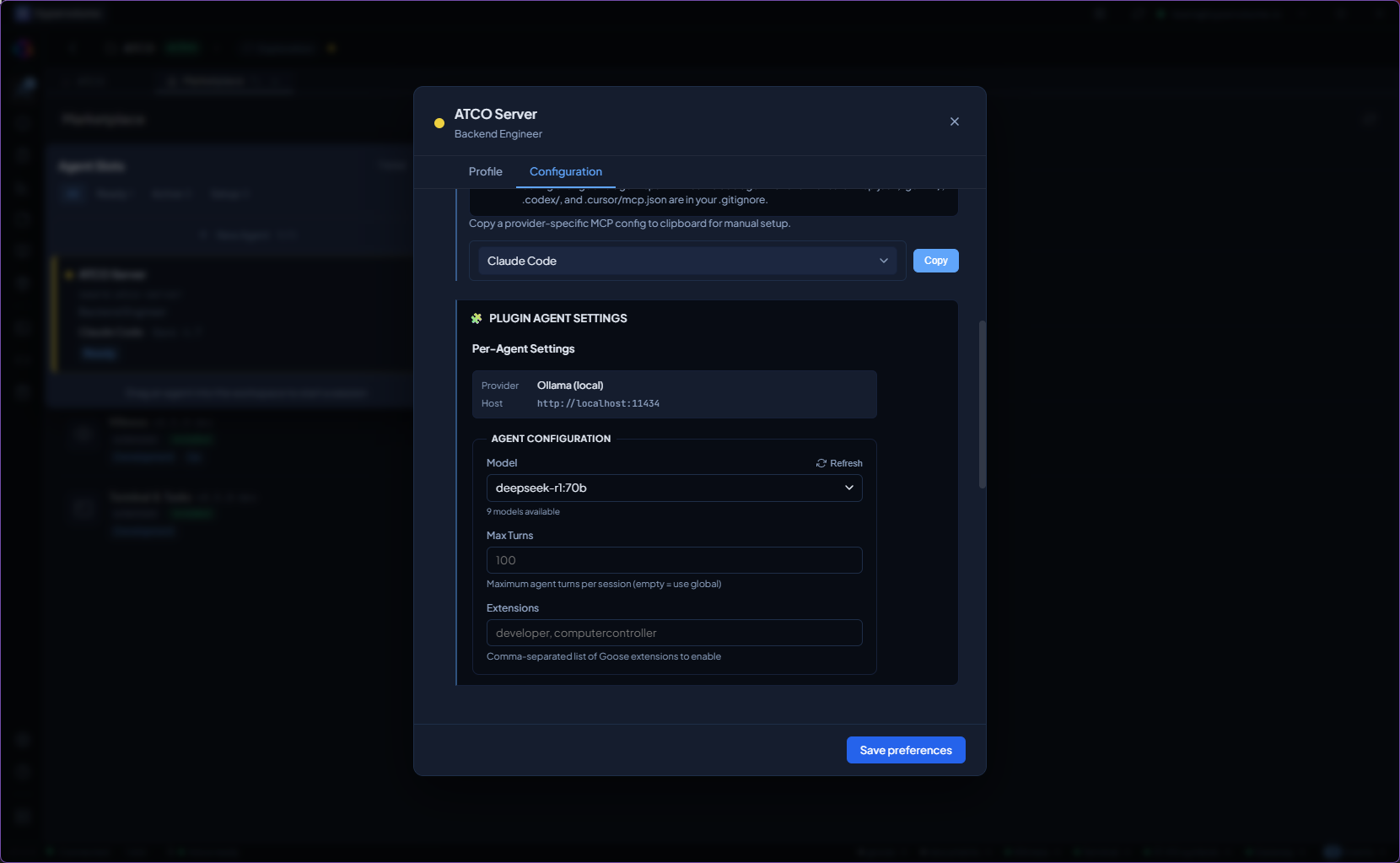
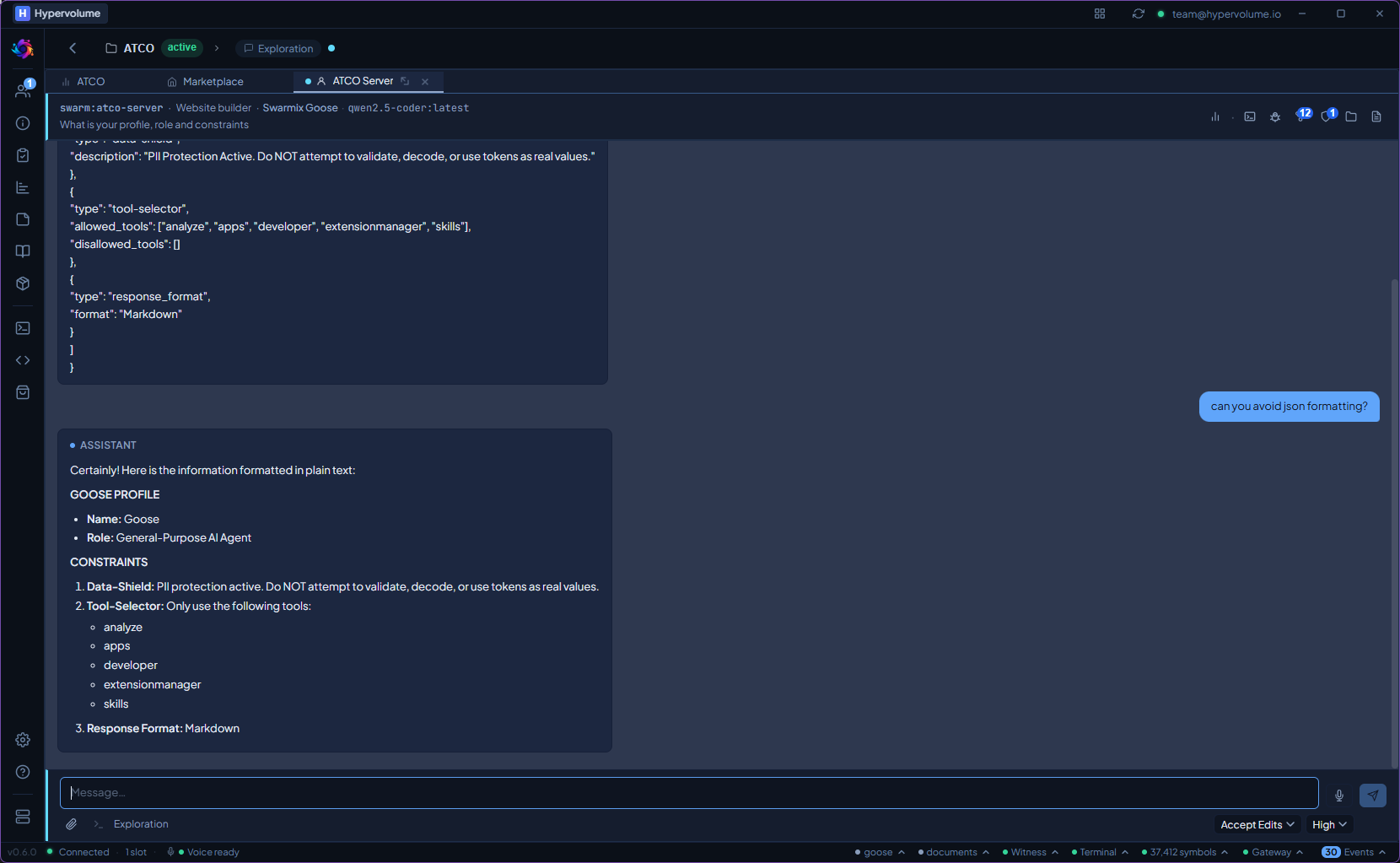
Configure provider, model, and runtime settings — one panel for local and cloud inference.
What it does
Local Inference via Ollama
Run open-weight models on local hardware. No API keys, no usage fees, no data leaving the machine. Ollama manages model downloads, quantisation, and GPU acceleration.
Multi-Provider Fallback
Switch between Ollama (local), Anthropic, OpenAI, Google, Groq, Mistral, Bedrock, Azure, and Databricks. Use local models for privacy-sensitive work, cloud models for more capability.
Full-Auto Mode
Run Goose in full-auto mode — no approval prompts, no human-in-the-loop pauses. The agent executes its entire plan autonomously. Ideal for bulk operations, migrations, and test generation.
ACP Protocol
Communicates via Agent Communication Protocol (ACP) over JSON-RPC 2.0. Structured message passing with streaming support — not raw stdin/stdout parsing.
Per-Slot Configuration
Each agent slot can use a different Goose provider and model. Run the security reviewer on a local model for privacy, and another specialist on Claude for capability, in the same workspace.
Health Monitoring
Setup wizard validates the configuration. Status page shows process state, model loaded, and connection health. Automatic restart on crash with configurable retry policy.
From install to first use.
Inference runs on the company's own hardware.
Local inference via Ollama means zero data leaves the machine. When cloud capability is needed, the team chooses which provider and which model, not the platform.
Goose ships with the Studio. No extra install, no extra cost.