ProductsHow It WorksThe StudioThe Orchestrator
EnterpriseOverviewIntelligenceWho It's ForSecurityIT Governance
Pricing
ResourcesNewsAboutFAQ
Get in touch
Terminal
Command detection, process management, agent-callable tools
Agents can run the project's build, test, and deploy commands directly. No guessing syntax, no relying on cloud CI. The Terminal extension detects project commands from config files and exposes them as structured tools agents can call.
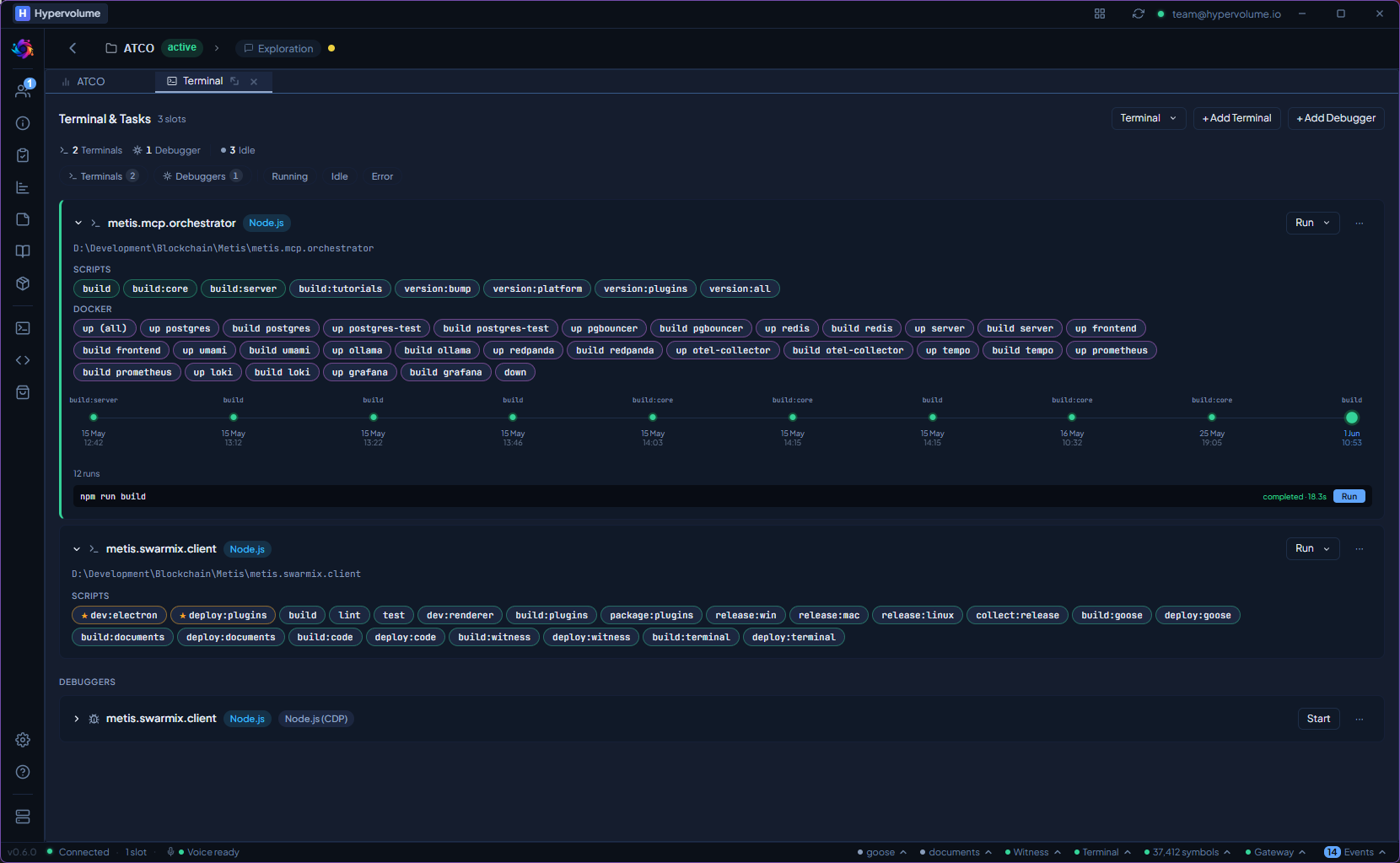
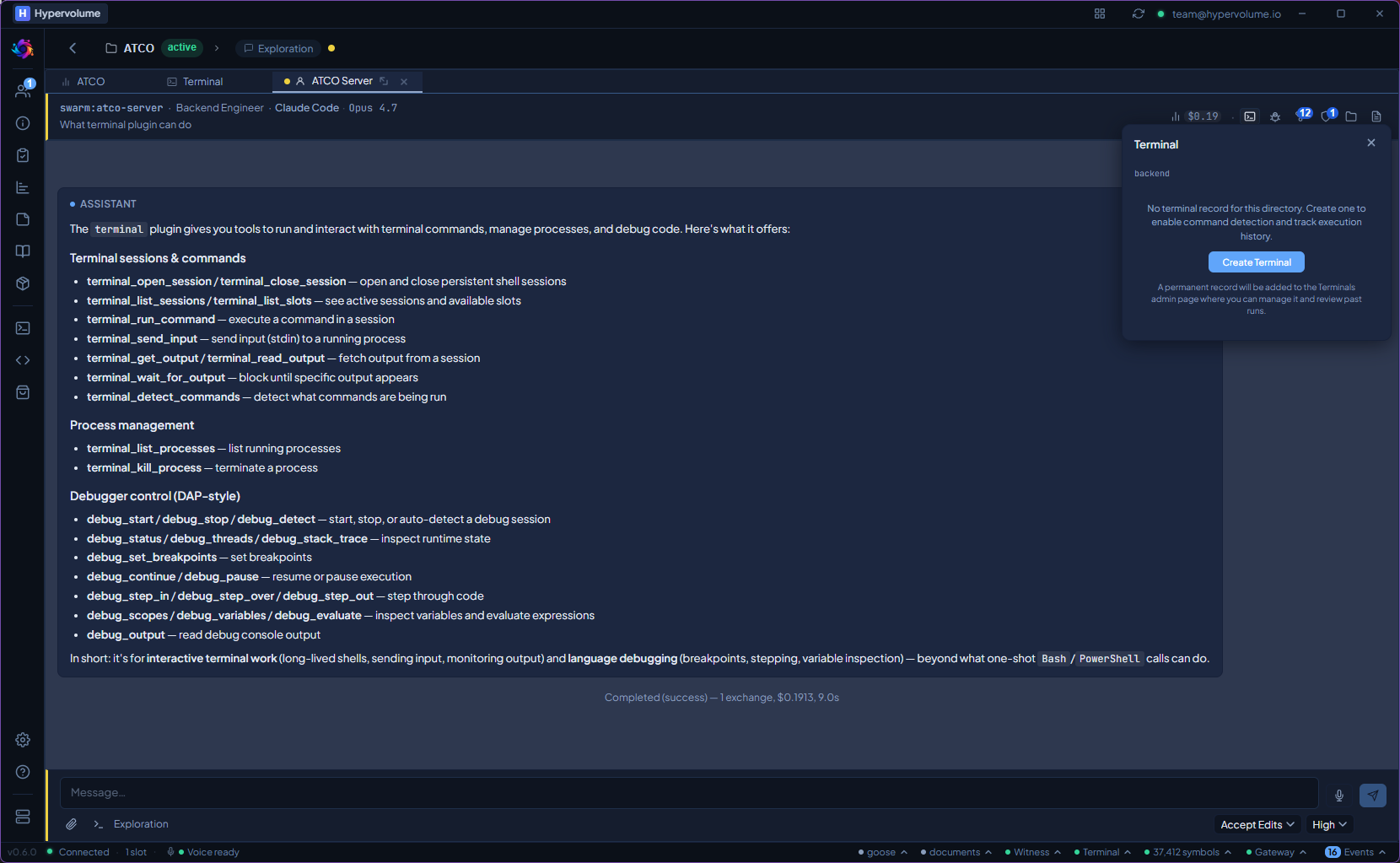
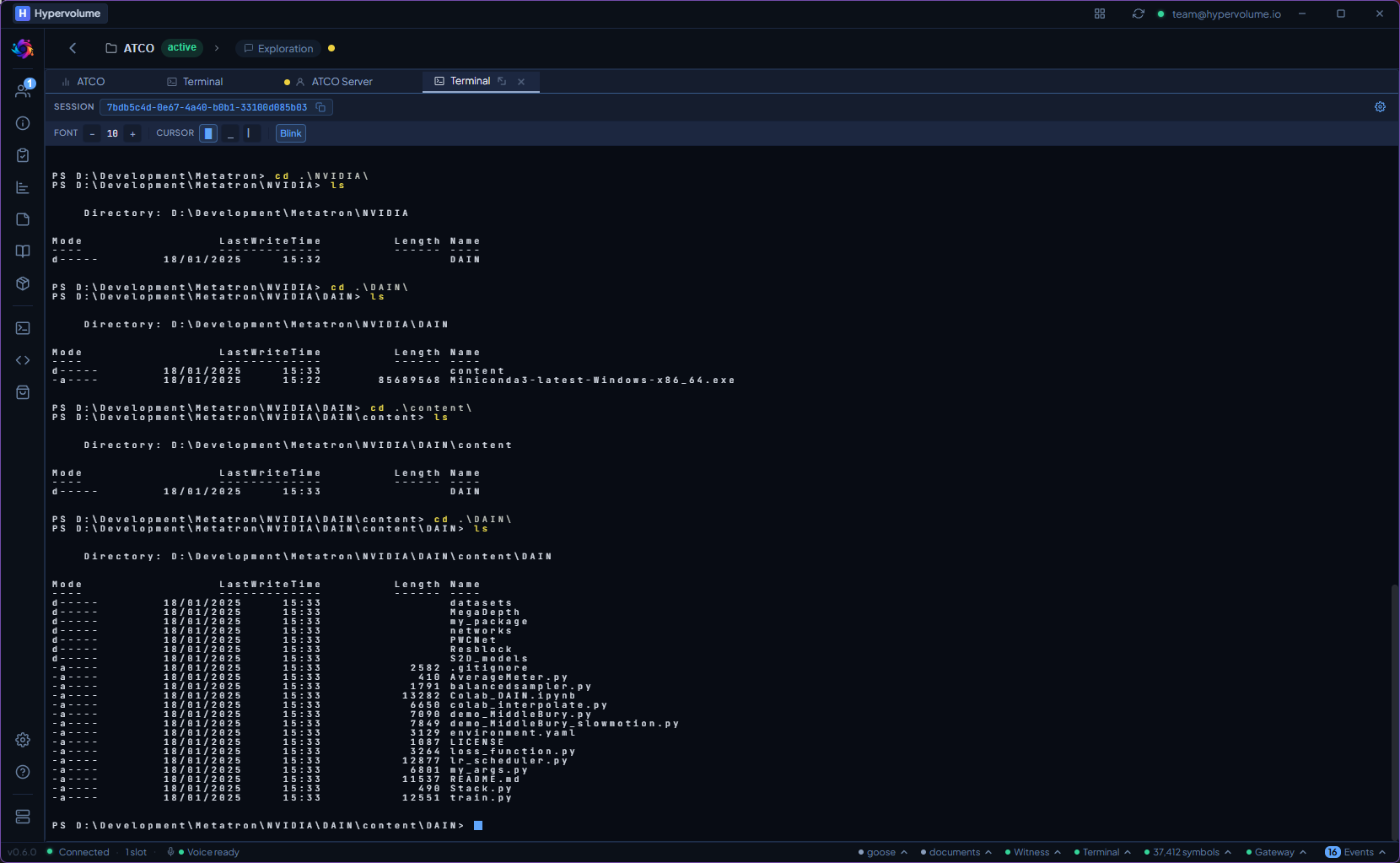
All detected project commands in one view — with execution history and timeline tracking.
What it does
Command Detection
Scans package.json scripts, Makefile targets, and docker-compose services. Agents see a structured list of available commands — no guessing, no hallucinated syntax.
Process Lifecycle
Start, monitor, and stop processes with full lifecycle tracking. Configurable shell, working directory, and output buffer. Agents can check if a process is running before starting another.
Interactive Shells
Full interactive terminal sessions via xterm.js and node-pty. Agents can run commands that require interaction — prompts, confirmations, multi-step workflows.
Streaming Progress
Command output streams over HTTP as NDJSON — progress updates, warnings, user prompts, and final results. Agents react to output in real time, not after completion.
From install to first use.
Run locally, not in the cloud.
Build, test, and deploy commands run on the local machine, not in a cloud CI pipeline. Faster feedback, no network latency, no secrets exposed to remote runners.
Terminal ships with the Studio. No extra install, no extra cost.