ProductsHow It WorksThe StudioThe Orchestrator
EnterpriseOverviewIntelligenceWho It's ForSecurityIT Governance
Pricing
ResourcesNewsAboutFAQ
Get in touch
Witness
Observe running applications via DOM, accessibility, or vision
Agents can see a running application through structured DOM extraction that uses a fraction of the tokens. Not expensive screenshots. Witness gives agents eyes on the app so they can verify, debug, and record proof of what is actually happening.
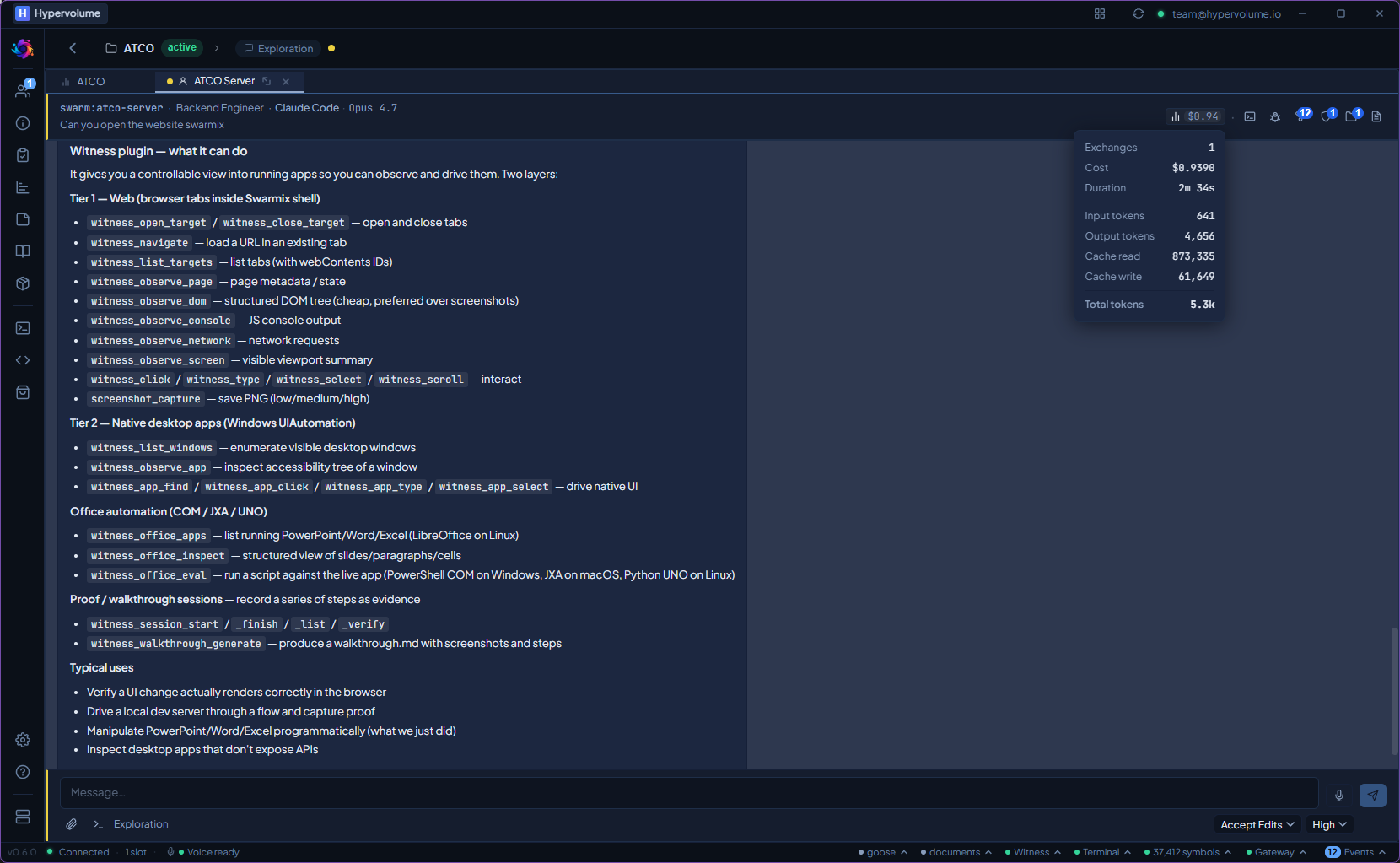
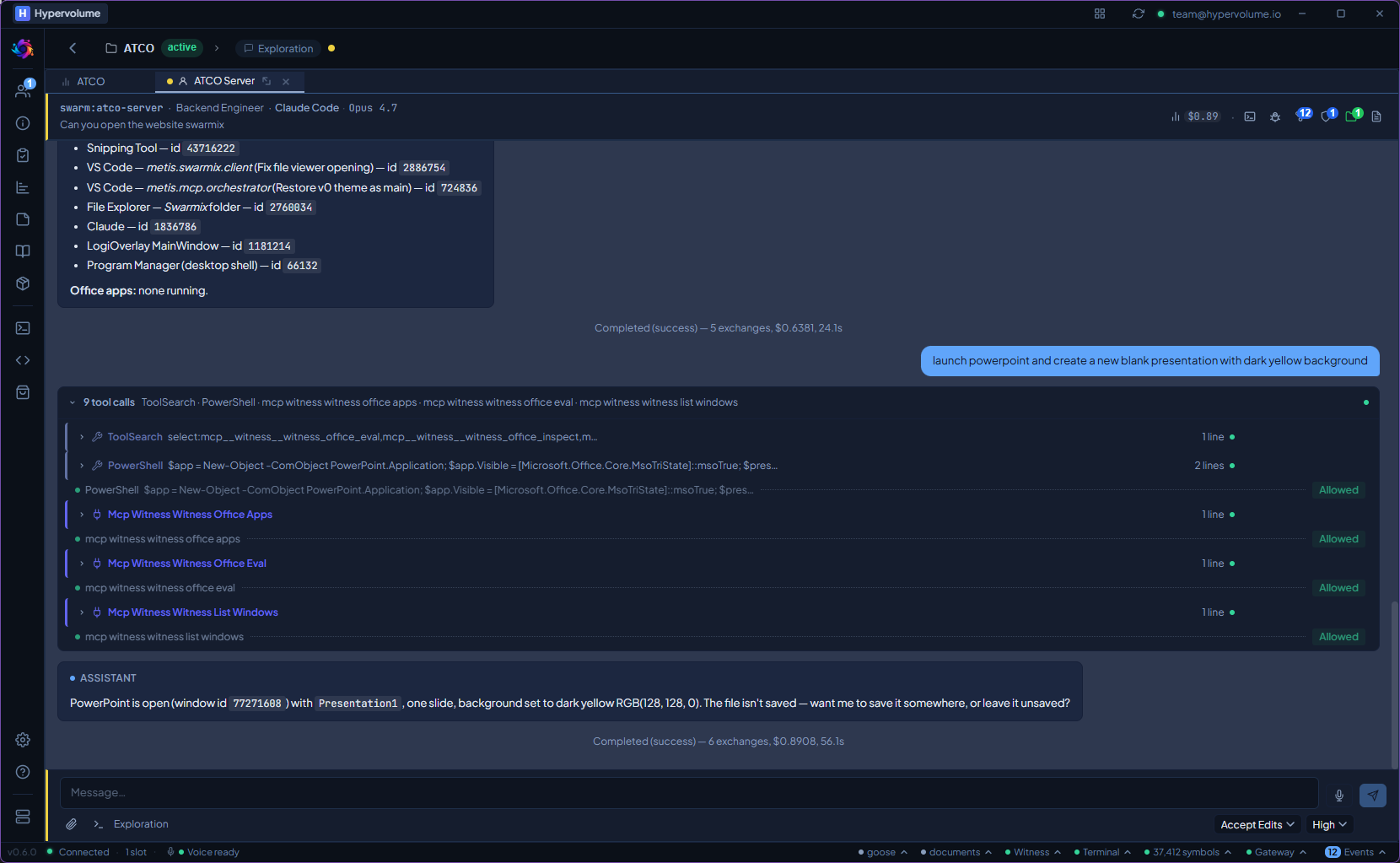
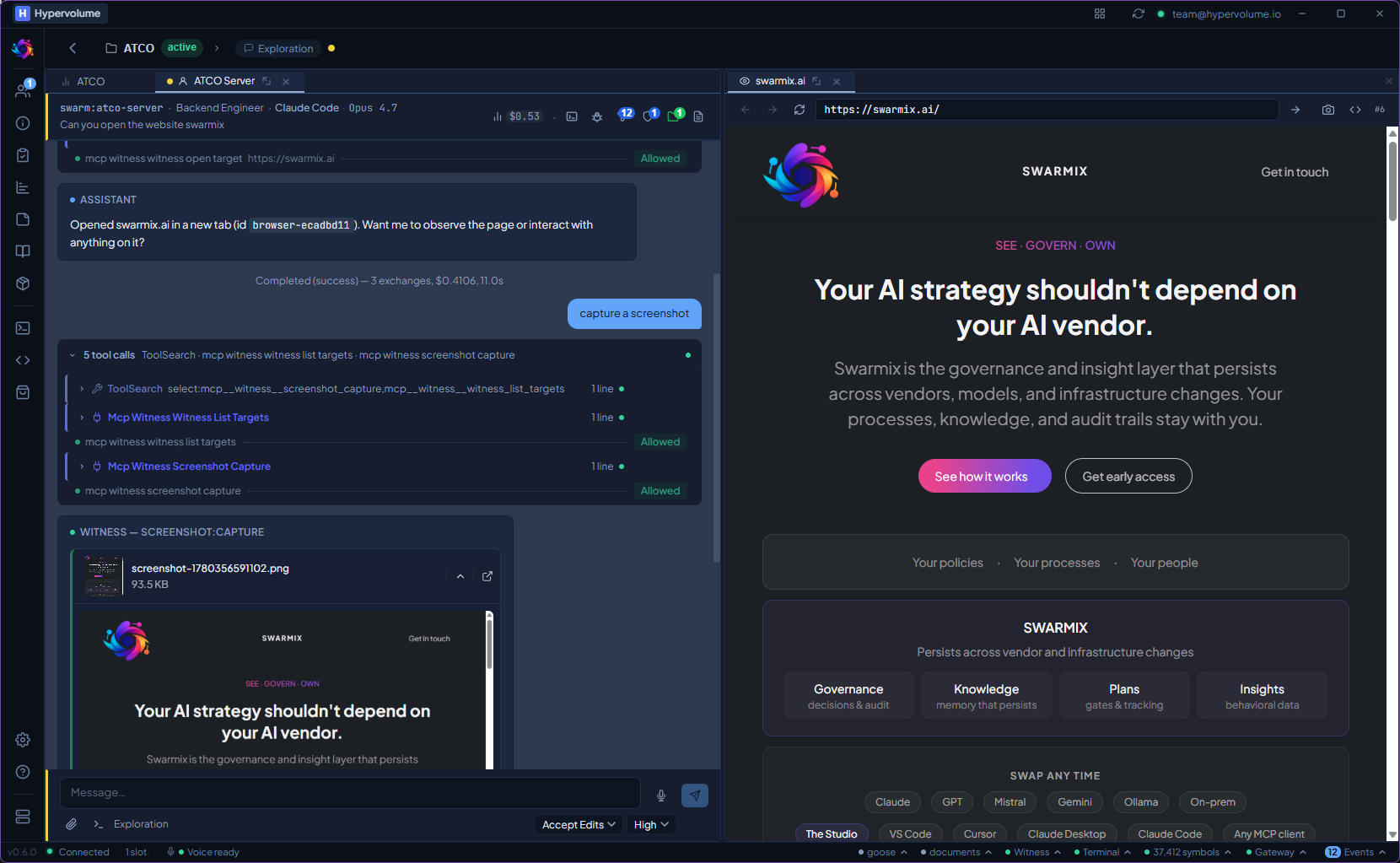
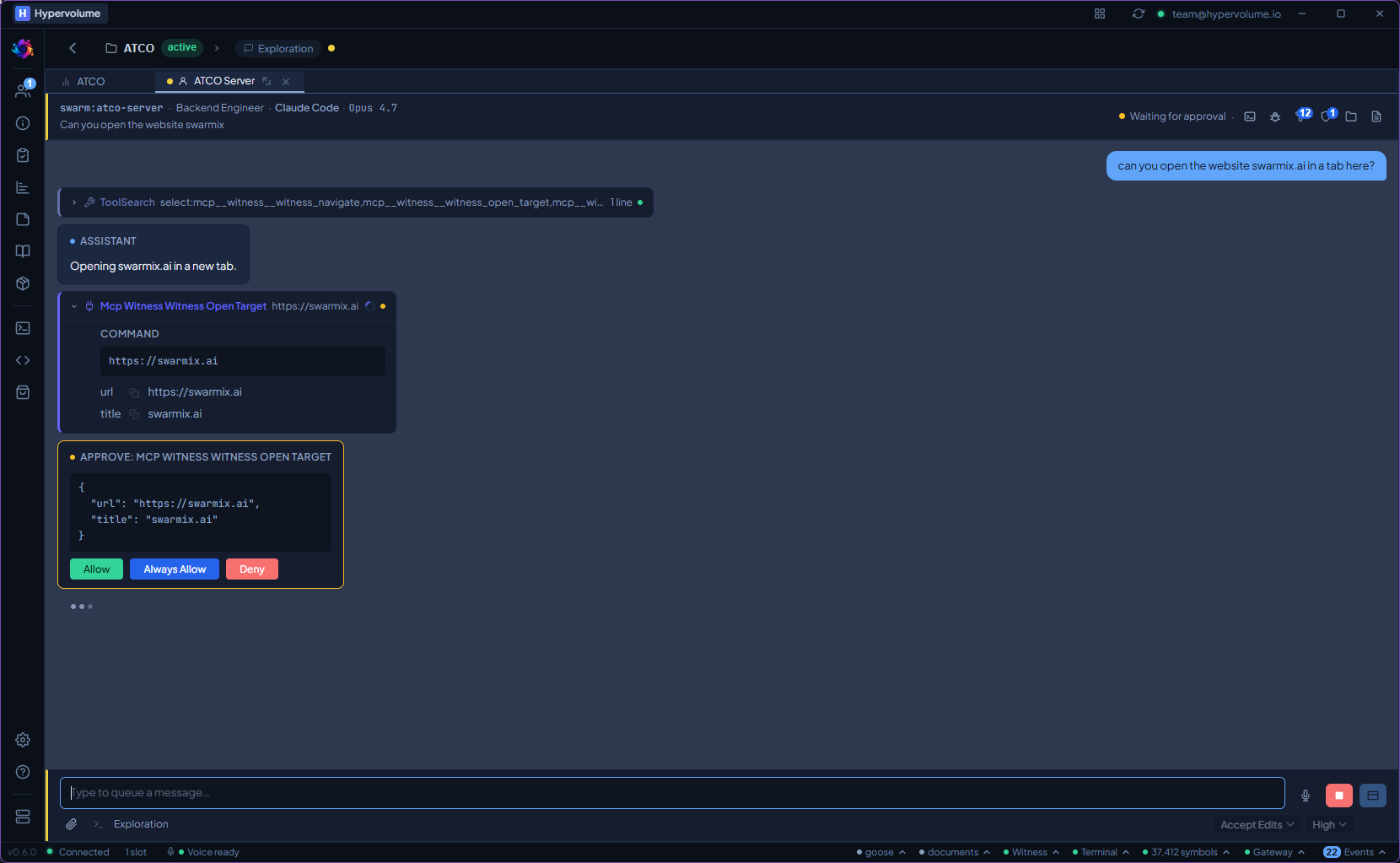
Witness tools available directly in the agent chat — observe, capture, and verify without leaving the conversation.
What it does
Tier 1: DOM Extraction
For web applications, extracts the DOM tree — elements, attributes, text content, computed styles. The most token-efficient way to observe an app. Agents get structured data, not pixels.
Tier 2: Accessibility Tree
For native applications, reads the OS accessibility tree. macOS (AX API), Windows (UI Automation), Linux (AT-SPI). Works with any application that exposes accessibility nodes.
Tier 3: Screenshot + Vision
When structure isn't available, captures a screenshot and sends it to a vision-capable LLM. The most expensive tier — used as fallback, not default. Quality is configurable.
Record Proof
Capture application state as evidence — for QA, compliance, or debugging. Each observation step is recorded with timestamp, tier used, and data captured.
Configurable Quality
Choose the tier, quality level, and session step limits. Balance between token cost and observation depth. Default to Tier 1 for efficiency, escalate when needed.
From install to first use.
Reads the app without expensive vision calls.
Tier 1 DOM extraction costs a fraction of what screenshot-based vision costs. Agents see more, understand better, and spend less. All running locally.
Witness ships with the Studio. No extra install, no extra cost.